Showing posts with label Samsung Galaxy S5. Show all posts

Wednesday, October 28, 2015

How to root and Install Custom Recovery in Samsung galaxy S5

How to root and Flash Custom Recovery in Samsung galaxy S5


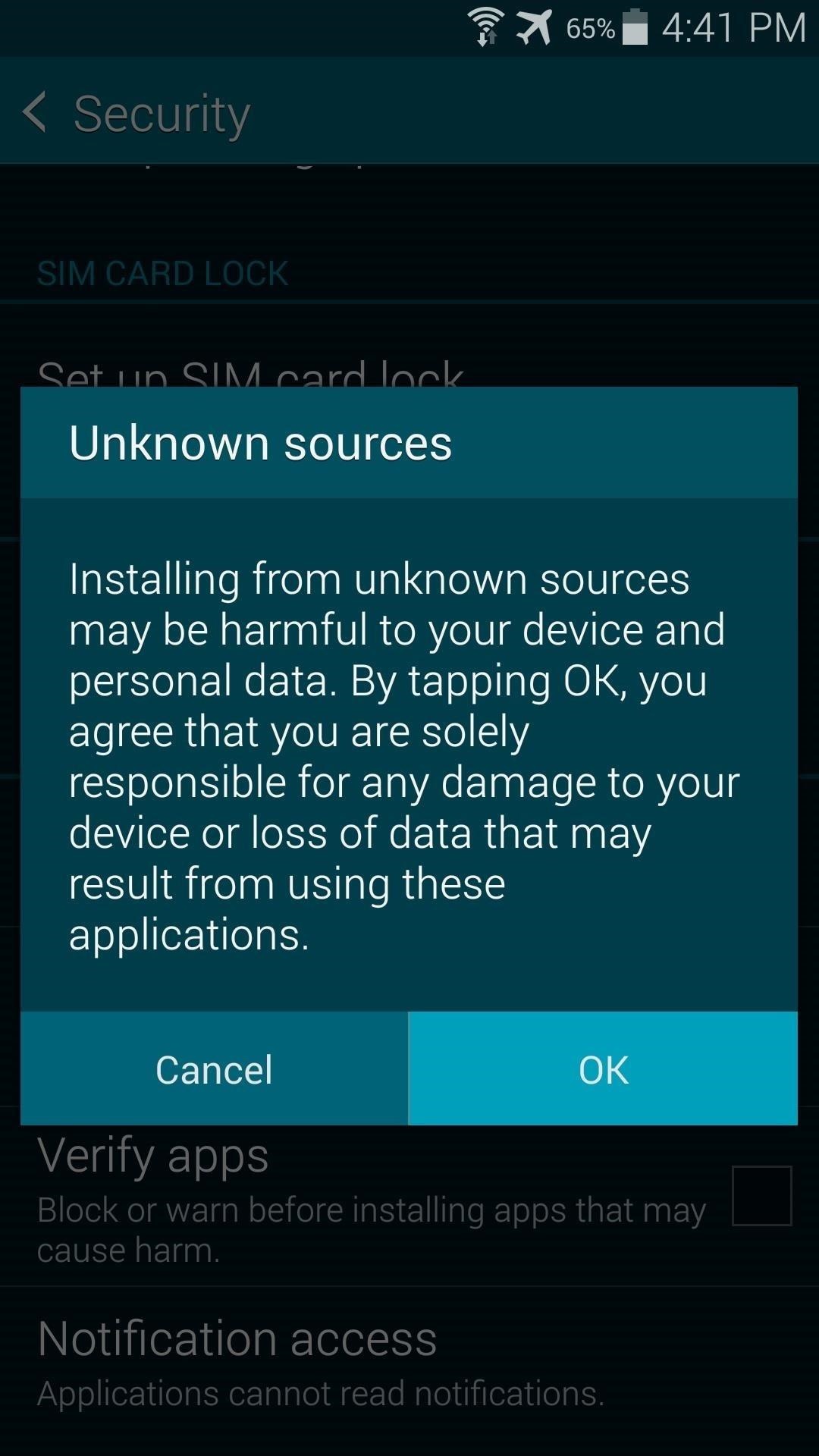
Step 1: Enable Unknown Sources
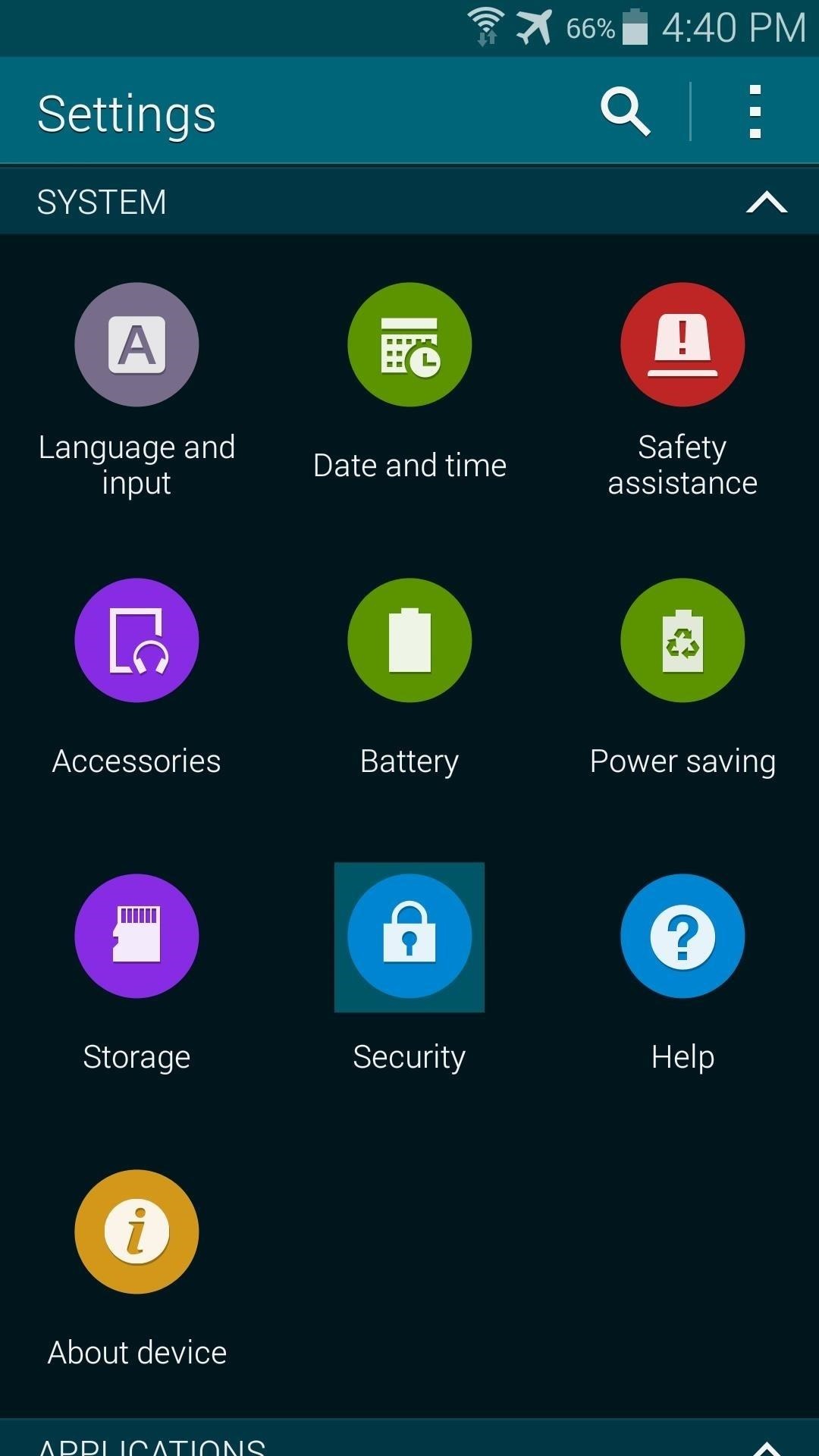
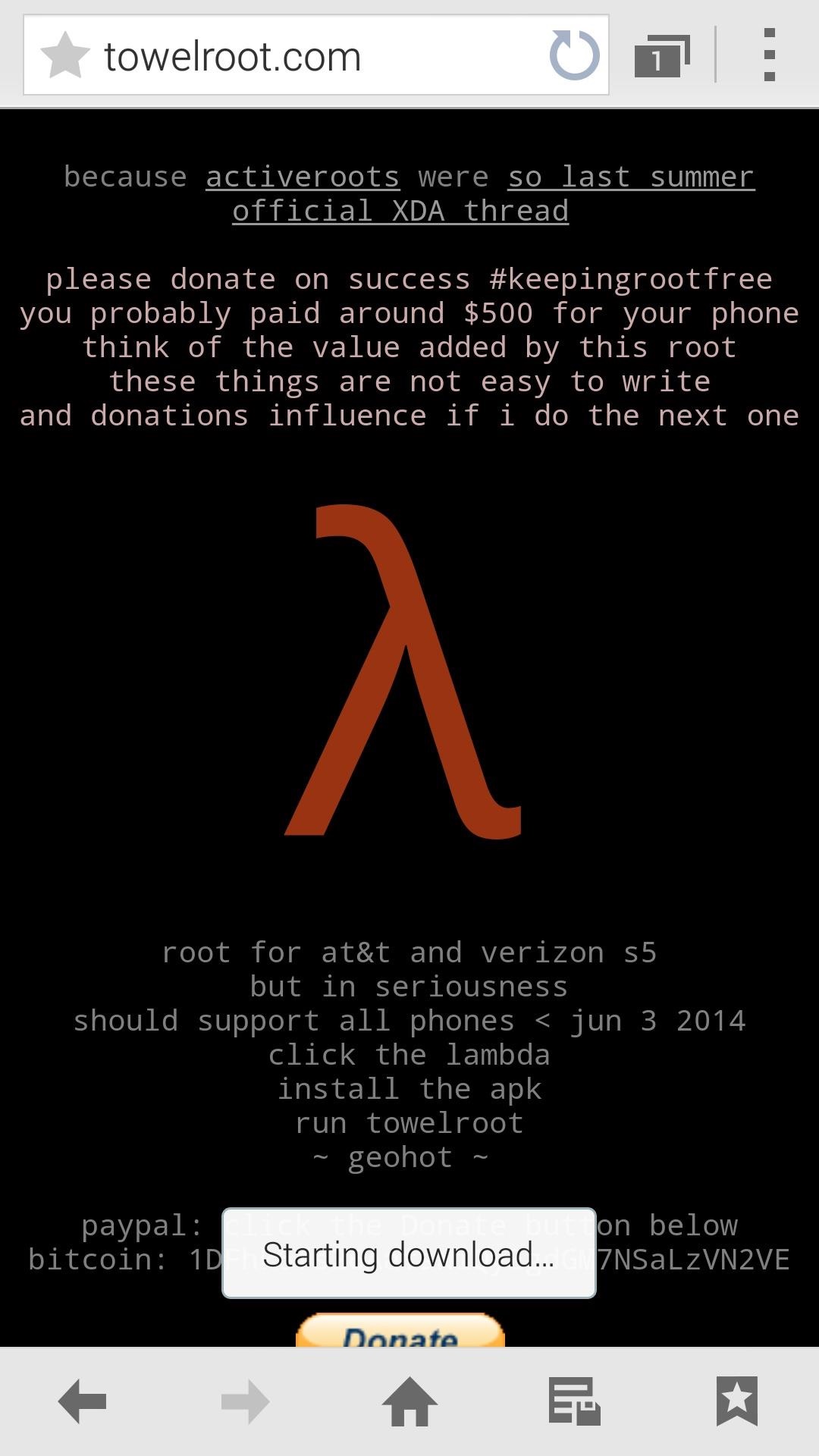
Step 2: Download Towelroot

Hotz has made his root exploit app available to all through its website. Just open your Galaxy's web browser and navigate to towelroot.com. From here, tap the lambda symbol to download the installer file.
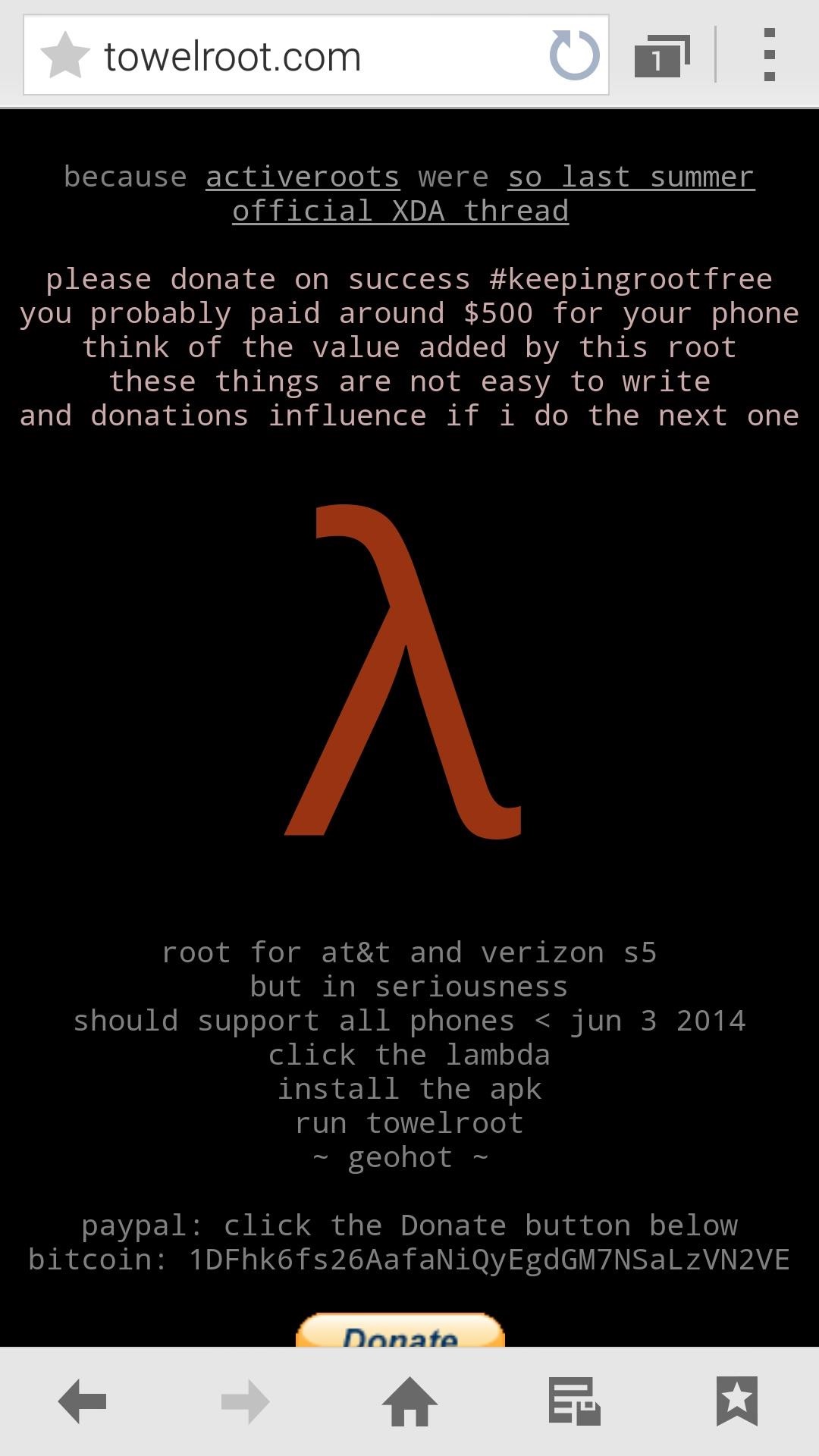
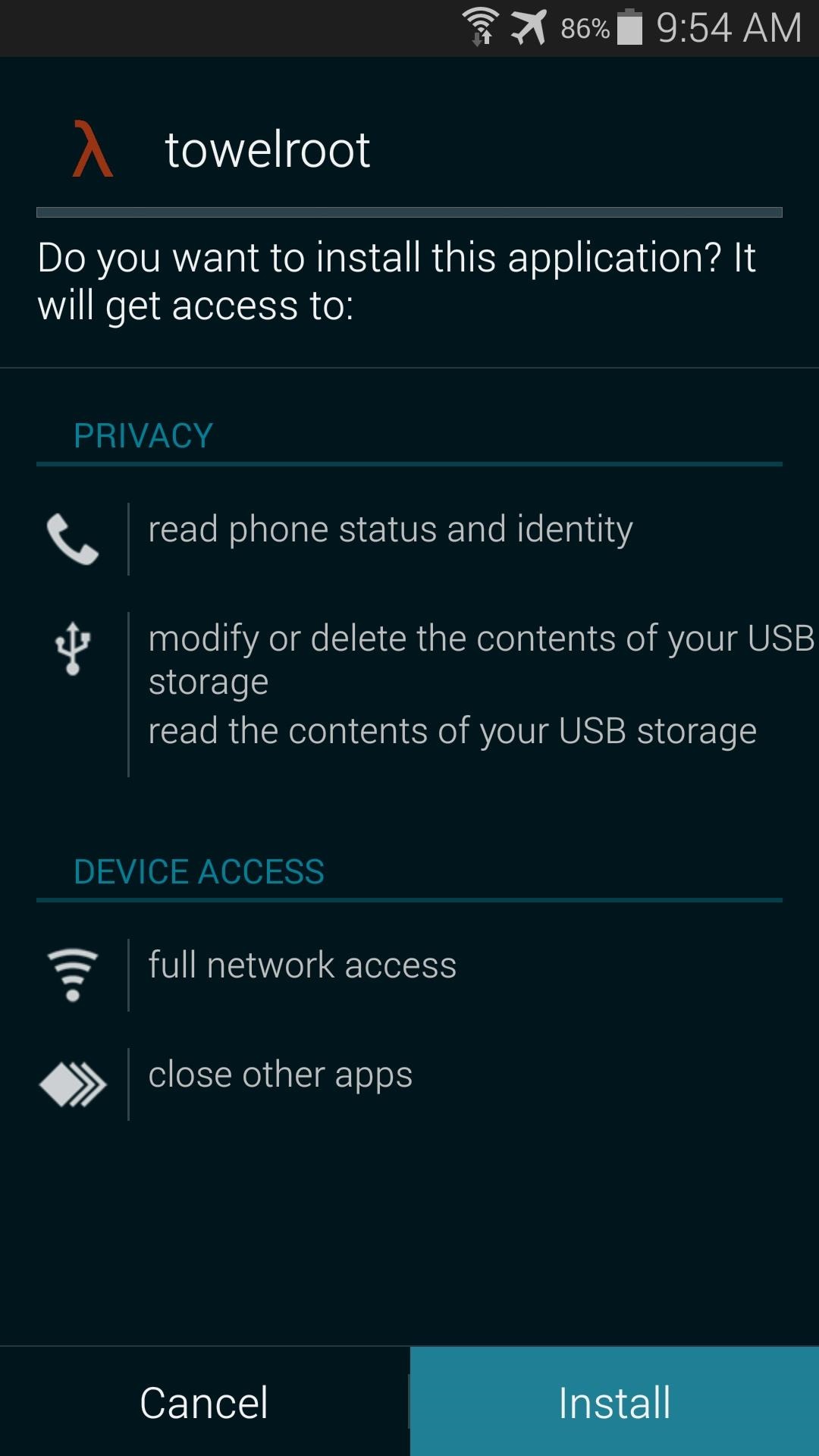
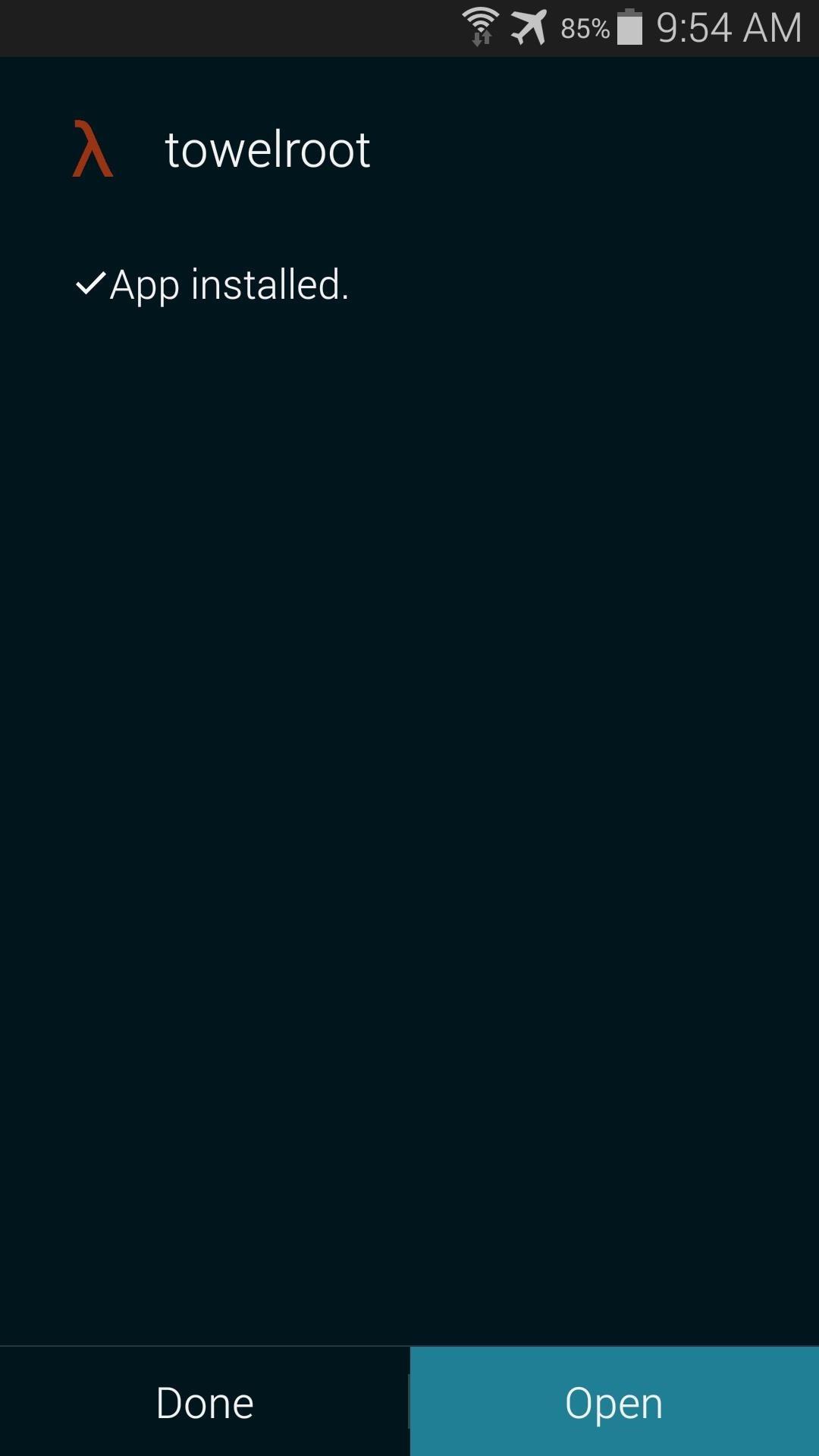
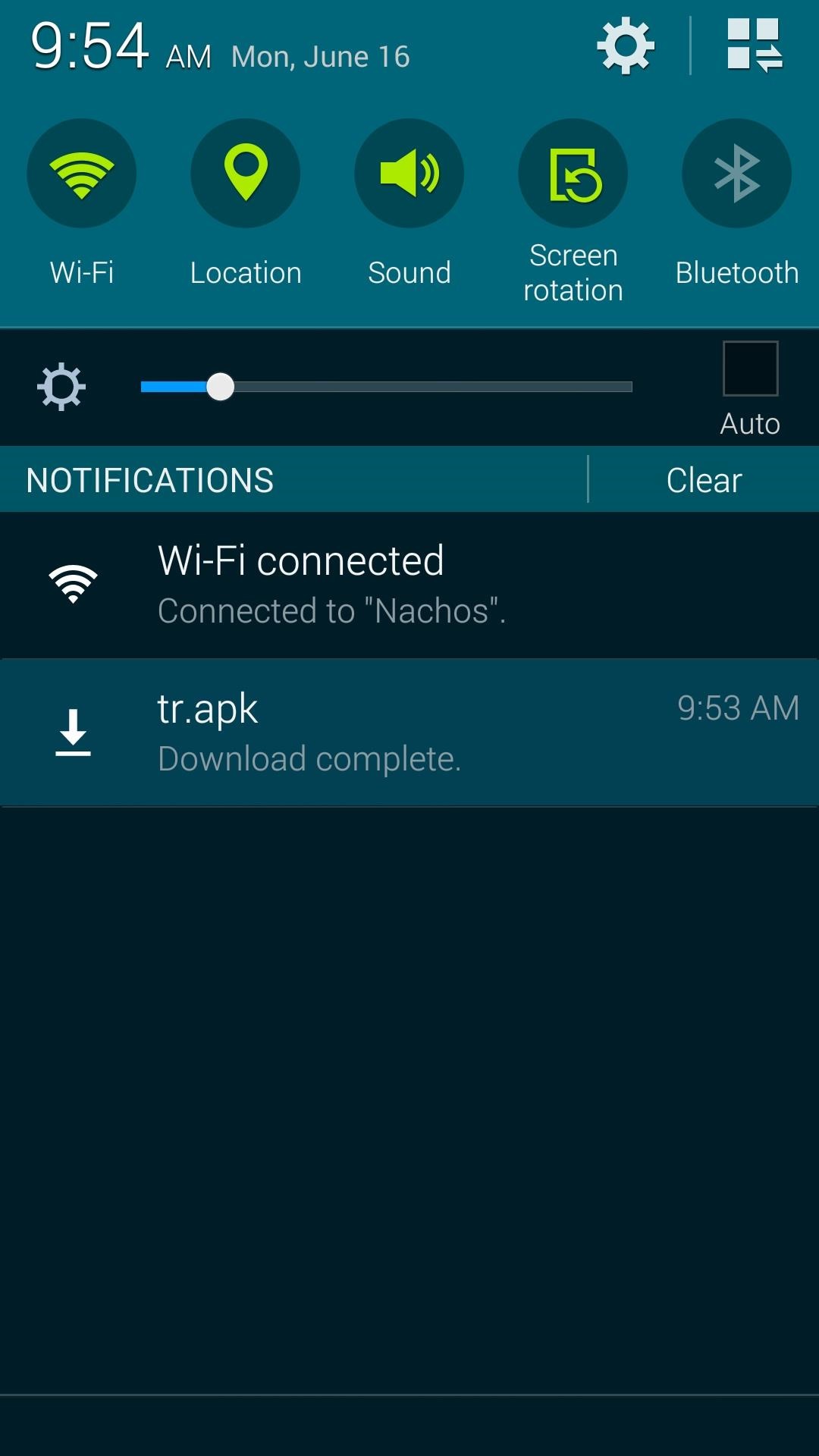
When the download is finished, tap the notification to initiate the install process. From here, hit Install, and when finished, tap Open.
Step 3: Root Your Device

When you open Towelroot, you'll notice that there's not very much to the app's UI. Just a single button that says make it ra1n.

Just tap this button and you're device will be rooted. That's it.
Give the app about 15 seconds to perform Pinkie Pie's exploit and copy over the necessary files, and your phone will automatically reboot. When it comes back up, you'll be rooted. If you know you're way around an Android device, then all of the steps above shouldn't take longer than 20 seconds, though it will vary from device to device.

Step 4: Verify the Root Was Successful (Optional)


Galaxy S5 Install Custom Recovery

  1. Download and Install the Samsung USB Drivers
  2. Download and Extract Odin v3.07 onto your PC
  3. Download the Odin Flashable TWRP .img File
  4. Launch Odin and Click on the PDA ButtonHow to root and Install Custom Recovery in Samsung galaxy S5 Screenshot 11
  5. Next, use a USB cable to connect your phone to your PC. After a few seconds, Odin will recognize your phone and a blue box will appear under the ID:COM field.How to root and Install Custom Recovery in Samsung galaxy S5 Screenshot 12
  6. Browse and Select the TWRP .img File From Step 3
  7. Look at the Check Boxes on the Left Side of Odin
  8. Make Sure Only ‘F. Reset Time’, PDA and ‘Auto Reboot’ are SelectedHow to root and Install Custom Recovery in Samsung galaxy S5 Screenshot 13
  9. Power Down the Galaxy S5
  10. Boot the Galaxy S5 into Download Mode
  11. When in Download Mode, Connect the Galaxy S5 to the PC via a USB Cable
  12. When Odin Recognizes the Galaxy S5, Click on the Start ButtonHow to root and Install Custom Recovery in Samsung galaxy S5 Screenshot 14
  13. Wait for Odin to Complete the Process.
Note: In this image I've use philz recovery but still the same process for TWRP.

Credits:
Hotz


Saturday, August 1, 2015

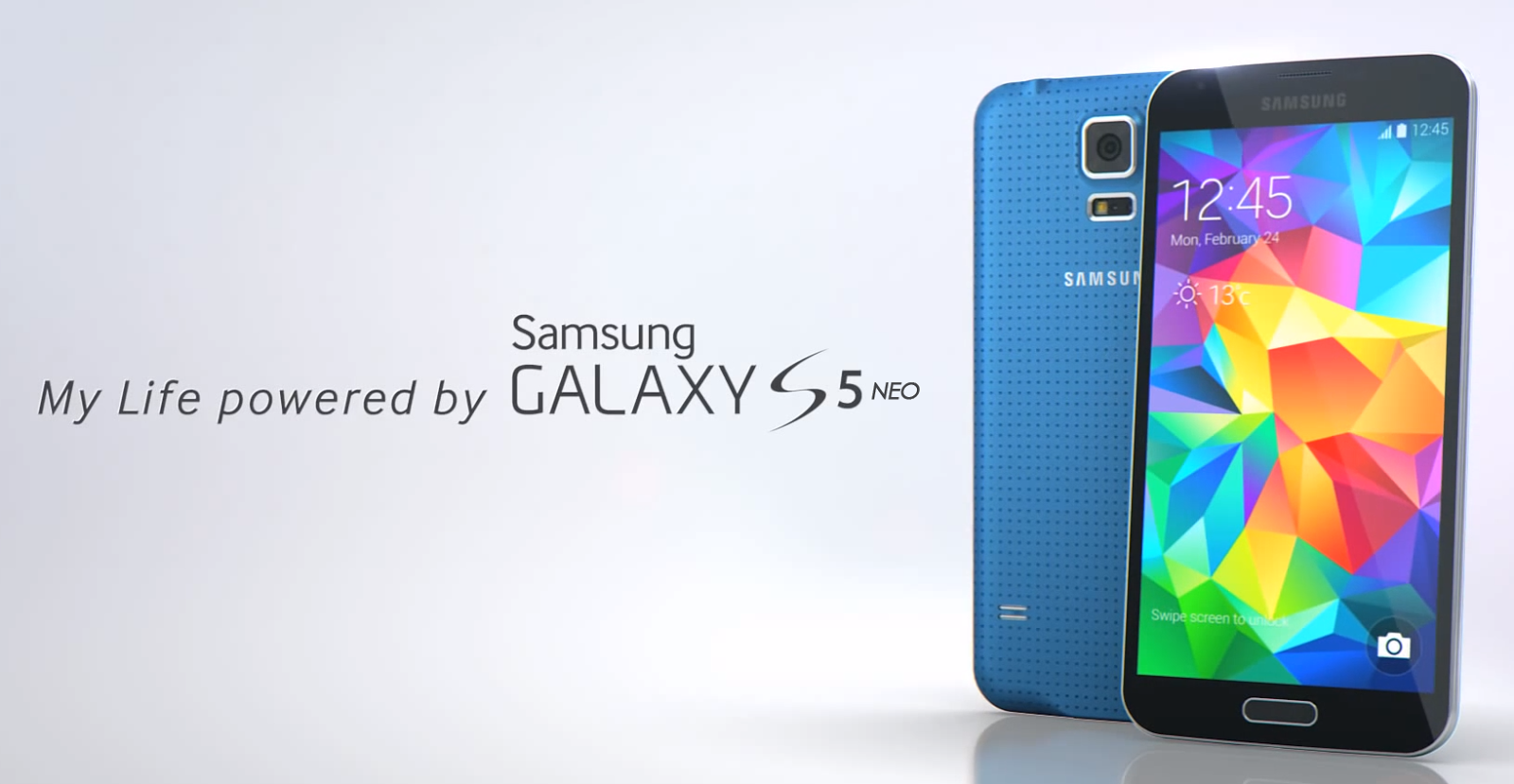
Samsung quietly launches Galaxy S5 Neo: features 5-inch display, Octa-core CPU, 2GB RAM

Samsung quietly launches Galaxy S5 Neo.

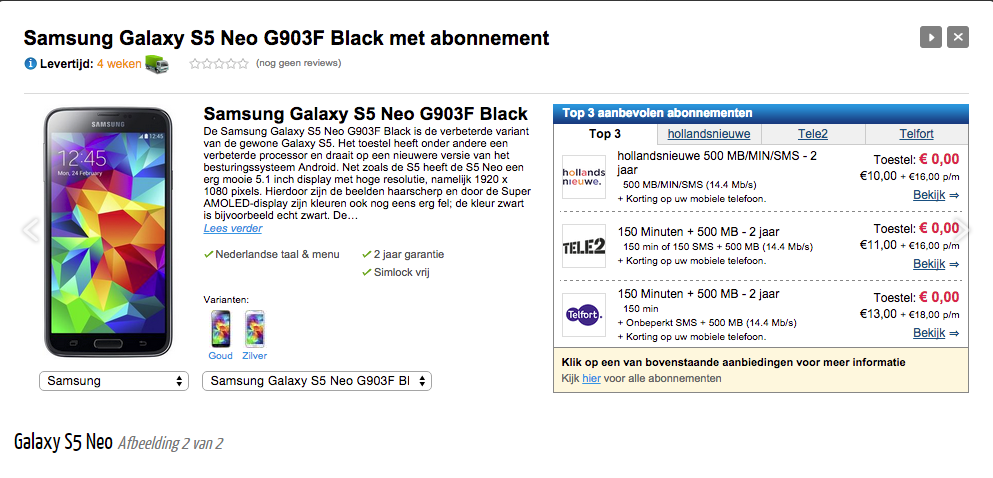
Amid reports about the upcoming Galaxy S6 edge+ and Note 5, the company has quietly launched the Galaxy S5 Neo. Though there is no official word from the company, the Galaxy Neo is now available and listed in the Netherlands via Belsipel retailer.

Dipped in black, gold and silver, the Samsung Galaxy S5 Neo is priced under $515 that translates to approximately Rs 33,000.


In terms of specs, the Samsung Galaxy S5 Neo sports a 5.1-inch Super AMOLED Full HD display, with pixel density that goes up to 432ppi. It gets a layer of Corning Gorilla Glass protection. Powered by a 64-bit 1.6GHz octa-core Exynos 7580 processor, it includes 2GB of RAM.


The smartphone runs Android 5.1.1 Lollipop out of the box and is likely to go on sale in European countries soon. The 16GB onboard storage can be expanded up to 128GB via microSD card slot. On the camera front, one can expect a 16-megapixel rear snapper with autofocus, LED flash and full HD (1080p) video recording, along with a 5-megapixel front camera for selfie lovers.

The connectivity options include LTE Cat6 (50Mbps upload / 300Mbps download), Wi-Fi, Bluetooth, microUSB 2.0, GPS with AGPS and NFC. A 2,800mAh battery completes the package.

Follow ME on Twitter>>> @iamBhavish
And like us on Facebook>>> The Gud1